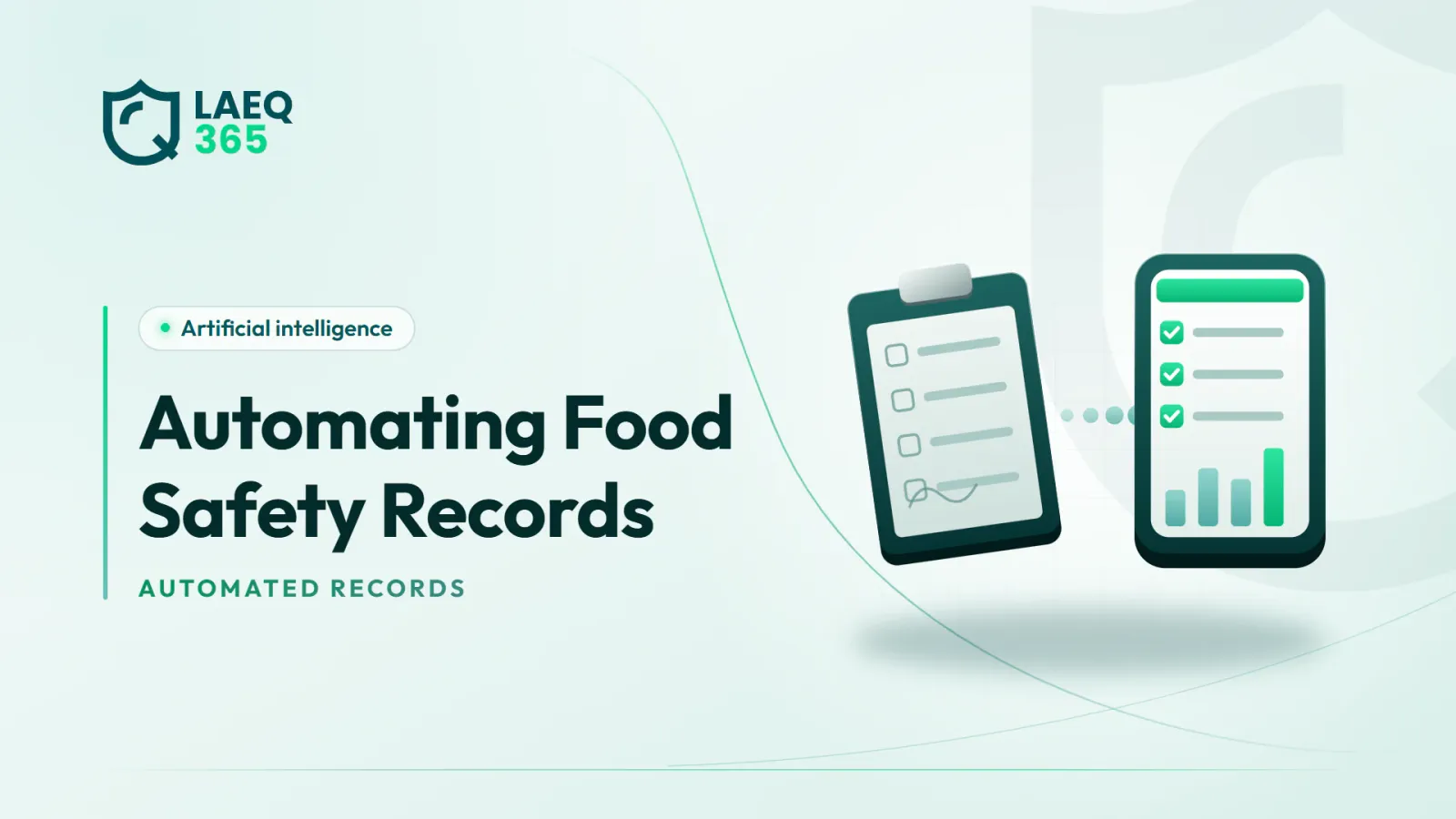
A practical guide to automating food safety records: which logs to automate first, the role of sensors and apps, audit trails and records inspectors will trust.
1. What Does Automating Food Safety Records Mean?
Automating food safety records means collecting the data that used to be written by hand in notebooks and paper forms automatically or semi-automatically. A sensor logs fridge temperature every few minutes, a phone app records cooking and cooling temperatures with the time and the employee, a digital checklist stores cleaning and receiving results with photos, and a system sends task reminders and documents their completion.
The goal is not to get rid of paper for its own sake, but to solve real problems every quality manager will recognise:
- Records completed in one sitting: the whole week's temperature form filled in on the morning of the inspection, in one handwriting and one pen.
- Perfect readings: identical numbers day after day that look nothing like reality.
- Gaps: days with no entries because the responsible employee was on leave.
- Loss and damage: a wet or missing notebook just when you need it.
- No follow-up: an out-of-range reading was recorded, but nothing was done about it.
Automated records do not prevent all of these problems by themselves, but they make many of them harder to happen and easier to spot. Automation is one specific step in a wider journey that we describe in our article on restaurant digital transformation. Here the focus is on the records themselves: what to automate, how, and what makes them trustworthy.
2. Which Food Safety Records Should You Automate First?
Not every record is equally worth automating. Start with those that combine three traits: they are frequent, they are tied directly to a food safety hazard and they are often neglected on paper. By those criteria, priorities look roughly like this:
- Fridge, freezer and cold room temperatures: the most frequent records and the easiest to automate fully with sensors.
- Cooking, reheating and cooling temperatures: critical control points in many HACCP plans, recorded with a digital probe and an app.
- Hot and cold holding temperatures: on buffets and service lines.
- Receiving checks: the temperature of chilled products, packaging condition and dates on arrival.
- Cleaning and sanitising records: who cleaned what and when, and whether a supervisor verified it.
- Pest control: contractor visits, findings and bait station checks.
- Training and health certificates: who was trained, and when each certificate expires.
- Corrective actions: what happened at every breach and how it was handled.
That last record is the most important and the most neglected. A log showing a breach with no accompanying action can look worse to an inspector than no log at all, because it proves the problem was known and not dealt with.
If your business runs HACCP, start with your CCP monitoring records, because they are the heart of the system and the first thing an auditor will ask to see.
3. How Do Sensors Automate Temperature Records?
Wireless sensors are the clearest example of full automation. They are installed inside the unit and send readings at regular intervals to a cloud platform, building a continuous record without anyone writing anything down.
The advantages of automated sensor records:
- Continuity: readings around the clock, including nights and days off.
- Time accuracy: every reading is stamped with the real time and cannot be written in after the fact.
- Instant alerts: a message when a limit is crossed, instead of discovering it at the next manual reading.
- Ready-made reports: a weekly or monthly log that can be shown or exported during an inspection.
But automation does not mean neglect. Some things remain in human hands:
- Calibration: an uncalibrated sensor records wrong numbers with great precision.
- Placement: a sensor near the door or the air outlet does not represent food temperature.
- Responding to alerts: who received the alert and what they did must be recorded.
- Batteries and connectivity: gaps in readings must be detected and explained.
Remember, too, that a sensor usually records air temperature. Food temperature during cooking, cooling and receiving still needs a probe thermometer with digital recording. We explain the move from notebooks to sensors in detail in our article on the fridge temperature log. Getting this foundation right makes every later step of automation much easier to trust.
4. What Role Do Apps and Digital Checklists Play?
Not every record can be measured by a sensor. Cleaning, receiving, personal hygiene and cooking temperatures all need a person to check and record. That is where apps and digital checklists come in, making manual recording faster, more accurate and harder to falsify.
What a good app should provide:
- Automatic timestamps: date and time are captured automatically, not typed in.
- The recorder's identity: every entry is linked to a specific employee account.
- Mandatory fields: the form cannot be closed until the essential items are filled in.
- Smart limits: if an employee enters an out-of-range temperature, they are immediately asked to record the action taken.
- Photos: attaching a picture of the situation for any remark or rejection.
- Offline mode: kitchens and warehouses often have weak signal.
- Reminders: a notification when a scheduled check has not been done.
Some devices can also connect directly to the app, such as digital probe thermometers that send the reading without anyone typing it, which removes transcription errors.
AI comes in at the next stage: reading the accumulated records and uncovering patterns, such as checks that are always late in a particular branch, or observations that keep repeating in checklists. In LAEQ365, for example, inspection checklists are completed digitally on a phone with photos, the “Q” smart assistant analyses the reports to uncover recurring problems, and sensors continuously record fridge temperature and humidity.
5. Why Is an Audit Trail the Foundation of Trust in Digital Records?
A digital record is not automatically trustworthy. If anyone can edit a reading or delete an entry without leaving a trace, a digital log is not much better than paper. What gives digital records their value is the audit trail: automatic documentation of everything that happens to the data.
The elements of a good audit trail:
- Who created the entry and when: by account and real time.
- Who edited it and when: with the original value kept, not overwritten.
- The reason for the edit: a mandatory field explaining why the value changed.
- No silent deletion: a wrong entry is voided with a clear mark, not erased.
- Defined permissions: not every user can edit, and changes to older records need higher authority.
- Retention and backup: records are kept for the required period and protected against loss.
An audit trail does not only matter to inspectors; it protects the business itself. When a food poisoning complaint or a product recall happens, a trustworthy record becomes evidence that controls were genuinely in place.
Some of this data relates to employees, such as their identities and working times, so access permissions and retention periods should respect the requirements of Saudi Arabia's Personal Data Protection Law (PDPL). Treat the audit trail itself as sensitive information and limit who can export it.
6. Will Inspectors Accept Digital Records?
This is one of the most common questions. The general principle is that regulators and auditors care that records are complete, accurate, retrievable and prove that controls are applied, more than they care about the format. Detailed requirements can vary by authority and type of activity, however, so it is important to check the requirements of the municipality, the Saudi Food and Drug Authority (SFDA) and your certification body, if you have one.
What makes your digital records convincing during an inspection:
- Easy to show: the branch manager can open the log for any unit for any period within seconds, on a device available on site.
- Complete: no unexplained gaps in readings or checks.
- Actions attached: every breach is followed by a documented action.
- Consistent with reality: what is in the record matches what the inspector sees in the kitchen.
- Exportable: a report that can be printed or sent on request.
- Known by the team: staff know how to record and how to show the log, rather than relying on one person.
A practical tip: train branch managers to “show the record” just as you train them for the inspection itself. An inspector who waits ten minutes while the manager hunts for a password forms a poor impression, even if the records are excellent. We cover this in our article on sensor reports for inspections.
7. How Do You Move to Automated Records Step by Step?
A successful transition is gradual and deliberate. Here is a suggested plan:
- Inventory your current records: list every paper record you keep, who fills it in, when and why.
- Set priorities: start with refrigeration temperatures and critical control points.
- Design digital forms carefully: do not copy the paper form as it is; improve it with mandatory fields, limits and linked actions.
- Pilot in one branch: run paper and digital side by side for a short period to compare.
- Train the team: on recording, responding to alerts and showing the record.
- Assign responsibilities: who reviews records daily and weekly, and who follows up on gaps.
- Retire paper formally: once the system has proven reliable, so the team is not split between two logs.
- Update your compliance file: so it reflects the new way records are kept.
Remember that automation changes everyday work, so involving branch managers and chefs in the design speeds up acceptance. To organise all your documents in one place, see our article on the food business compliance file.
Conclusion
Automating food safety records starts with the most frequent and highest-risk records: refrigeration temperatures and critical control points, followed by receiving, cleaning and corrective actions. Sensors record continuously, apps make manual entries more accurate, an audit trail gives everyone confidence and practice in showing the record makes inspections easier. Above all, every out-of-range reading must have a documented action.
If you want temperature sensors, digital inspection checklists and corrective actions on one platform, explore the LAEQ365 plans.
Frequently asked questions
- Can paper records be eliminated completely?
In many businesses, yes, once the digital system has proven reliable and the team is trained on it. It is still wise to keep backup paper forms for emergencies, such as a network outage or device failure, and enter them into the system later. Check the requirements of the regulators and certification body relevant to your activity.
- Which record should be automated first?
Usually the fridge, freezer and cold room temperature log, because it is the most frequent, the easiest to automate fully with sensors and directly linked to food safety. After that come critical control point records such as cooking and cooling temperatures, then receiving and cleaning checks.
- Are sensor readings enough without human involvement?
No. A sensor records the reading but does not act on it. Someone must receive the alert, check the food temperature, take action and document it. Sensors also need periodic calibration and checks on placement and battery. A complete automated record is a reading plus a documented response.
- What is an audit trail and why do auditors care about it?
An audit trail is the automatic record of who created each entry, who changed it, when and why, with the original value retained. Auditors care because it proves data was not edited or filled in after the fact, which is what gives digital records their credibility compared with paper.
- Does automation help detect falsified records?
Yes, to a large extent. Automatic timestamps, entries tied to employee accounts and an edit history make back-filling records difficult and obvious. Smart analysis can also flag suspicious patterns, such as perfectly identical readings or long runs of entries made within minutes of each other.