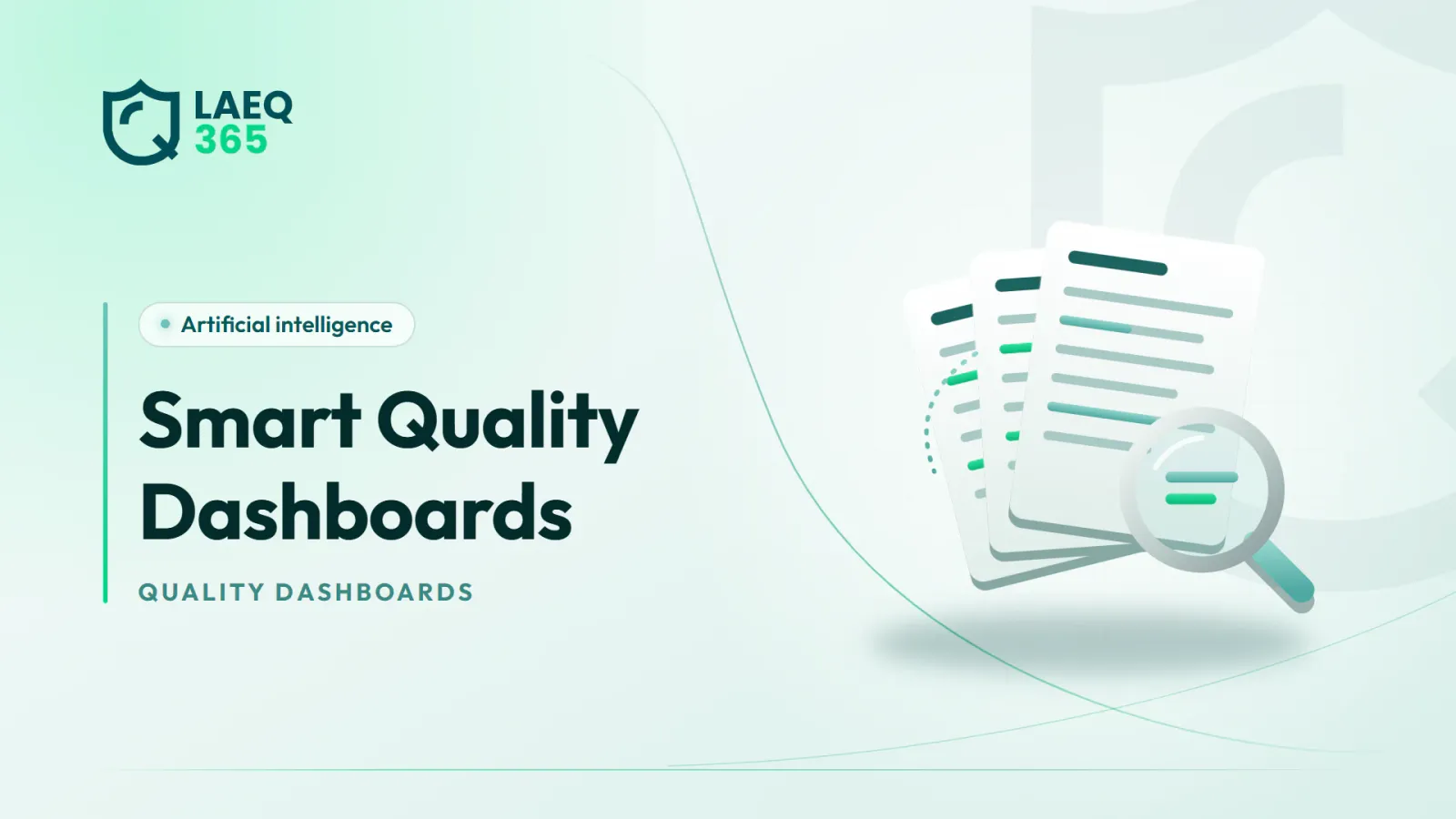
A guide to smart quality dashboards for food businesses: which metrics earn their place, how to compare branches fairly, read trends and avoid vanity metrics.
1. What Are Smart Quality Dashboards?
Smart quality dashboards are screens that bring your most important food safety and quality data into one place, from inspection results and sensor readings to corrective actions and certificate validity, and present it in a way that supports decisions rather than just viewing. “Smart” here means the dashboard does not stop at showing numbers: it summarises them, highlights what has changed and draws attention to what needs action.
The difference between an ordinary dashboard and a useful one comes down to a single question: after looking at it for two minutes, does the quality manager know what needs to happen today? If the answer is no, the dashboard is full of numbers but short on meaning.
A good dashboard usually answers four questions:
- Where are we now? The current state of each branch and site.
- What has changed? Improvement or decline compared with the previous period.
- What keeps recurring? Problems that come back even after they were fixed.
- What do I need to do? Alerts, overdue actions and pending decisions.
The value of any dashboard depends on the quality of the data feeding it, and the most important source is regular inspection reports. We explained how those reports turn into insight in our article on AI inspection report analysis. Without that steady flow of reliable data, even the best-designed screen has nothing meaningful to show.
2. Which Metrics Should a Quality Dashboard Show?
There is no single list that suits everyone, but some metrics have proved their value in most food businesses. They fall into five groups:
- Inspections: the latest inspection result for each branch, the failure rate on critical items specifically, and how well branches stick to the planned inspection schedule.
- Corrective actions: how many are open, how many are overdue, the average time to close, and the share of problems that came back after closure.
- Refrigeration and temperature: the number of critical breaches, how long each lasted, the most unstable units and any sensors that have gone offline.
- People: the share of staff who have completed required training, and health certificates close to expiry.
- Compliance: licences and certificates with their renewal dates, and recent regulatory visits and their outcomes.
Note that critical items must be shown separately. A branch scoring ninety per cent on an inspection may be hiding a failure on holding temperatures or cross-contamination, which is more serious than ten cosmetic items. Items directly tied to food safety deserve a prominent place that is not blended into the overall score.
For more on choosing and precisely defining inspection metrics, see our article on inspection KPIs. Clear definitions matter as much as the choice of metric, because two branches calculating the same figure differently will never compare fairly.
3. How Do You Compare Branches Fairly on a Dashboard?
Comparing branches is one of the most powerful uses of a dashboard, and one of the most dangerous if it is not designed carefully. A simple ranking from best to worst can be unfair to some branches and reward others for no real reason. To keep it fair:
- Standardise the checklist: you cannot compare a branch inspected against fifty items with one inspected against twenty.
- Account for inspection frequency: a branch inspected weekly will show more observations than one inspected monthly.
- Compare like with like: a central kitchen is not a small kiosk, and a full-service restaurant is not a café.
- Watch for inspector differences: a strict inspector and a lenient one can create a bigger gap than the real difference between two branches.
- Show the trend, not just the snapshot: a branch at the bottom that is improving steadily may be better managed than a leader that is slipping.
Smart analysis can help by normalising results, adjusting them for branch size and inspection frequency, and by spotting unusual differences between inspectors. Reading the context, however, remains a human job.
Remember that the purpose of comparison is learning: what does the outstanding branch do that others could adopt? We explain how to build this kind of system in our article on a multi-branch inspection program.
4. How Do You Read Trends and Tell Them Apart from Noise?
A single number tells you little, while a series of numbers over time tells a story. But not every movement on a chart is a real trend. Some changes are simply natural fluctuation.
Practical rules for reading trends:
- Look at long enough periods: one bad week is not a decline, but three months of falling results deserve attention.
- Use moving averages: they smooth daily fluctuation and reveal the overall direction.
- Link to events: did the decline coincide with a new branch manager, a busy season such as Ramadan, or a change of supplier?
- Compare with the same period before: summer puts pressure on refrigeration every year, so compare this summer with last summer.
- Break down the items: an improving overall score can hide a decline on one specific topic.
This is where AI clearly earns its keep. It can detect statistically meaningful changes and summarise them in a plain sentence, such as “observations about chemical storage have risen in three branches over the last two months”. That is far easier than a manager spotting it alone across dozens of charts.
Be wary of jumping to conclusions, though. The system detects correlation, while explaining the cause needs someone who knows the branches and their circumstances, and often a site visit. Treat the summary as a prompt to investigate rather than a final explanation of what went wrong.
5. What Are Vanity Metrics, and Why Should You Avoid Them?
Vanity metrics are numbers that look good in presentations and meetings but tell you nothing about real food safety and do not help you decide anything. They are one of the most common reasons dashboards fail. Typical examples:
- Number of inspections carried out: a high count means nothing if the inspections were superficial or their findings were never acted on.
- Number of actions closed: closing an action on paper does not mean the problem was solved. What matters is the share of problems that did not come back.
- Training hours: attendance is not learning; what matters is the effect of training on observations.
- The overall score on its own: an average that hides critical items.
- Number of alerts received: thousands of alerts may mean noise, not good control.
A simple test for any metric: if this number changed tomorrow, what would I do differently? If there is no answer, the metric does not deserve a place on the main dashboard.
There is another danger too: when a metric becomes a target, people start improving the number rather than the reality. If branch managers are rewarded for having few observations, they may pressure inspectors to record fewer. That is why a dashboard should encourage honest reporting, and why metrics should be read together rather than in isolation.
6. How Do You Design a Dashboard for Each Management Level?
Not everyone needs to see the same thing. One of the most common mistakes is building a single huge dashboard for every user. Tiered dashboards by role work better:
- Branch manager: only their own branch, in daily detail: actions assigned to them, current alerts and the latest inspection result with its items.
- Quality manager: a view across branches, recurring problems, overdue actions and fair comparisons between sites.
- Senior management: a concise monthly summary: the overall trend, the main risks, the branches that need support and licence compliance.
Design principles that make a dashboard usable:
- Most important first: whatever needs urgent action sits at the top of the screen.
- Few colours with a fixed meaning: red for critical only, never for decoration.
- Drill-down: clicking a number opens the detail and the original reports.
- A written summary: two or three sentences explaining the most important changes, where AI is especially helpful.
- Clear permissions: each user sees only what concerns them.
In LAEQ365, the overview dashboard brings together inspection results, tasks and sensor readings, and the problem board shows the recurring problems that the “Q” smart assistant uncovers from inspection reports, with permissions that define what each manager sees according to their scope.
7. How Do You Build Your First Quality Dashboard Step by Step?
A successful dashboard starts small and grows with use. Here are practical steps:
- Start with decisions: write down the decisions the quality manager makes each week, then identify the data each decision needs.
- Pick five to seven metrics: no more at first, each with a precise definition and calculation method.
- Check the data source: every metric should come from a regular, reliable source such as digital inspections or sensors, not from spreadsheets filled in by hand at the end of the month.
- Pilot with two or three branches: use the dashboard for a month with a small number of branches before rolling it out, to catch errors in definitions and data.
- Set an owner and a rhythm: who reviews the dashboard, when, and what happens after the review.
- Gather feedback: after a month, ask users what they never looked at and what they wished was there.
- Remove and add: drop metrics that are not used and add those that prove necessary.
And tie the dashboard to action: every problem that appears on it should become an action with an owner and a deadline, as we explain in our article on corrective actions after inspection. A dashboard that does not lead to action quickly becomes a screen everyone ignores.
Remember that trust in the numbers is built gradually. If a branch manager finds one figure on the dashboard is wrong, they may stop relying on all of it, so fix data errors quickly and say openly that you have fixed them.
Conclusion
Smart quality dashboards succeed when they quickly answer one question: what needs to happen today? Show critical items separately, compare branches fairly, read trends rather than snapshots, avoid metrics that measure activity instead of outcomes and give each management level only what it needs.
If you want a dashboard that brings inspections, sensors, tasks and recurring problems together in one place, explore the LAEQ365 plans and choose the one that fits the size of your business.
Read also: Automating Food Safety Records: Where to Start and What Passes · Restaurant Digital Transformation: From Paper to Smart Reports
Frequently asked questions
- How many metrics should a quality dashboard include?
Ideally the main dashboard starts with just five to seven metrics, each linked to a clear decision. More detail can sit on sub-pages that users open when needed. Too many metrics on the first screen scatter attention and let the important numbers get lost among the less important ones.
- What is the difference between an ordinary and a smart quality dashboard?
An ordinary dashboard shows numbers and charts and leaves the user to work out what they mean. A smart one adds a summary of what changed, uncovers recurring problems and meaningful trends, and points to what needs action. Decisions and the explanation of causes still remain the quality manager's responsibility.
- Should branches be ranked from best to worst?
They can be, provided the comparison is fair: a standard checklist, similar inspection frequency and branches of a similar type. It is better to show the trend alongside the ranking, because a branch that improves steadily may deserve more recognition than a leader that is slipping.
- How often should a quality dashboard be reviewed?
It depends on the role. Branch managers review their own view daily, especially alerts and actions assigned to them. Quality managers review the full picture at least weekly, and senior management usually needs only a monthly summary. What matters most is that reviews are regular and lead to decisions.
- How can I tell if a metric is a vanity metric?
Ask: if this number changed tomorrow, what would I do differently? If there is no clear answer, the metric is probably vanity. Other warning signs are a figure that only ever goes up, or one that measures activity rather than outcome, such as the number of inspections instead of the share of problems that did not recur.