How image recognition for food quality checks dishes, fresh produce and package labels from photos, how accurate it really is, and how to protect privacy.
1. What Is Image Recognition for Food Quality?
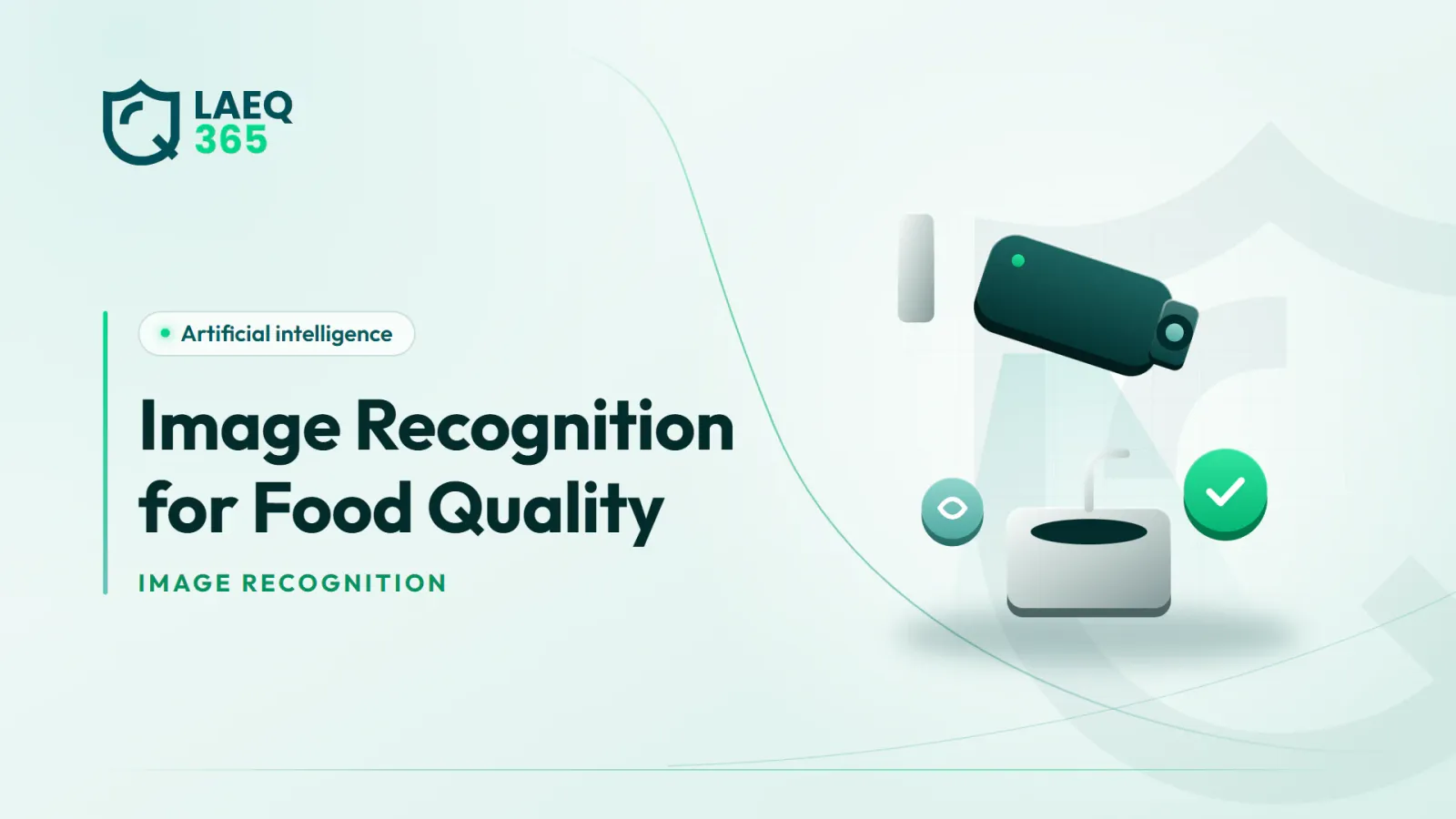
Image recognition for food quality means using AI models to analyse a still photo, taken by a staff member on a phone or by a camera mounted above a production line, to judge a specific property. Does the dish match the standard photo? Does the produce show signs of spoilage? Does the label carry a readable, correct expiry date?
This is different from continuous camera monitoring inside the kitchen, which tracks staff behaviour such as glove use and handwashing, and which we covered in our article on computer vision in kitchens. Here the focus is on the product itself: the dish, the raw material and the package.
These models usually work in one of three ways:
- Classification: deciding which category an image belongs to, such as “accepted”, “needs review” or “rejected”.
- Detection: locating specific elements in the image, such as blemishes on fruit or missing components on a plate.
- Text reading: extracting what is printed on a label, such as production and expiry dates and the batch number.
The main value is not replacing the employee's eye, but making checks more consistent and faster to document, especially when the same check is repeated hundreds of times a day. Consistency is what turns individual judgement into a standard the whole team shares.
2. How Does Image Recognition Help Check Dishes Before Service?
In restaurants and catering kitchens, both customer satisfaction and food safety depend on consistent dishes: portion size, components, presentation and visible doneness. Visual analysis can help at several points:
- Matching the standard photo: comparing the finished plate with the approved photo in the recipe guide and alerting the cook when there is a clear difference.
- Missing or extra components: for example, a dish that should be served without a particular sauce because of a customer request, yet the sauce appears in the photo.
- Portion consistency: flagging plates that look much larger or smaller than the standard.
- Visible cooking cues: such as an unusual colour on a piece of chicken, though this is only a prompt for review, because a photo cannot measure internal temperature.
- Documenting delivery orders: a photo of the order before it is sealed helps with any later complaint about a missing item or poor packaging.
The key point is that a photo does not prove food is safe. Whether chicken is cooked is judged with a thermometer, not by its colour. Dish checks by image should therefore be seen as a quality and consistency tool that complements, and never replaces, food safety controls such as measuring cooking temperatures.
In practice, most kitchens start with their best-selling or most complained-about dishes rather than applying checks to the whole menu from day one.
3. Can You Check Fresh Produce and Raw Materials from Photos?
Yes, and this is one of the more mature applications, especially in food factories and distribution centres handling large volumes of fresh produce. Visual analysis can pick up signs such as:
- Surface defects: bruises, spots and cracks on fruit and vegetables.
- Visible mould: particularly on soft produce such as strawberries, tomatoes and leafy greens.
- Colour change: such as yellowing leafy greens or browning avocados.
- Size and shape: for grading against the specification agreed with the supplier.
- Visible foreign objects: on some production lines, although detecting hidden foreign bodies requires other technologies such as metal detectors or X-ray systems.
In a restaurant, a phone photo taken during food receiving documents the condition of the delivery and helps the employee decide to accept or reject it against a more consistent standard. The stored photo also becomes evidence when you discuss the issue with the supplier.
There are limits you should know, though. A photo only sees the surface. Internal damage, microbial contamination and pesticide residues do not show up in an image, and need laboratory testing or certificates from the supplier. Poor lighting or a blurred photo also reduces accuracy considerably, so how the photo is taken matters as much as the model that reads it.
4. How Is Image Recognition Used to Check Labels and Expiry Dates?
Label checking is one of the most useful and least complicated applications, because the task is usually to read text and compare it with a rule. Practical uses include:
- Reading expiry dates at receiving: the employee photographs the label, the system extracts the date and flags it if it is too close or already past.
- Checking that pack information is complete: in factories, comparing the printed label with the approved specification to confirm the product name, ingredients, allergens, weight and production date are present.
- Spotting print errors: an unreadable date, a missing batch number or the wrong product's label on a pack.
- Internal prep labels: checking that containers in the fridge carry labels with prep and use-by dates.
A labelling mistake in a factory can mean a product that fails to declare an allergen it contains, which is among the common reasons products are recalled around the world. Automated label checks on the packing line add an important layer of protection.
In Saudi Arabia, pack information is subject to the technical regulations and standards on food labelling applied by the Saudi Food and Drug Authority (SFDA). We explain these in our article on food labeling requirements in Saudi Arabia. A smart system helps you check that a label matches the specification you approved, but it does not decide for you what the regulations require.
5. How Accurate Is Image Recognition, and What Affects It?
Accuracy is not a fixed number anyone can promise; it depends on the task, the conditions and the data. A model that performs well in a factory with steady lighting and a uniform background may perform much worse in a busy kitchen with changing light. The main factors are:
- Image quality: lighting, focus, angle and distance.
- Stable conditions: a fixed background and position improve accuracy considerably compared with random snapshots.
- Training data: did the model learn from images that genuinely resemble your dishes and products, or from generic ones?
- A clear standard: “a good plate” is vague, while “three pieces of chicken with sauce on the left” is something that can be measured.
- Rare cases: rare defects are harder to learn than common ones.
There are two kinds of error to balance:
- False alarms: rejecting a sound dish or product, which wastes time and erodes the team's trust in the system.
- Misses: letting a defective product through, which is more serious when safety is involved.
That is why we recommend starting with a “needs human review” outcome rather than “rejected”, and measuring performance on your own real photos for several weeks before relying on it. Ask any provider to test the system on a sample of your images rather than showing you results from a different environment.
6. How Do You Protect Privacy When Using Photos in Your Business?
It might seem that photos of dishes and packs have nothing to do with privacy, but in reality many photos taken in a kitchen include staff faces or hands, screens showing customer data, or order tickets with names and addresses. Clear rules are therefore needed:
- Point the camera at the product: design the camera position or photo instructions so that, as far as possible, only the product is shown.
- Blur faces and data: some systems automatically blur faces and any text that is not needed.
- Inform staff: explain to your team what is photographed and why, and that the goal is to check products, not to watch people.
- Set a retention period: do not keep photos longer than operations or documentation require.
- Processing location: know where images are sent and processed, and whether the provider uses them to train its models.
- Access permissions: decide who can view and download the images.
These practices are consistent with Saudi Arabia's Personal Data Protection Law (PDPL), overseen by the Saudi Data and AI Authority (SDAIA). The clearer and narrower the purpose, the easier compliance becomes and the less resistance you meet from the team. We cover this in more depth in our guide to AI and data protection for food businesses.
7. How Do You Start Using Photos in Quality Checks?
The best starting point does not need a smart model at all; it needs a habit of photo documentation. Once your team is used to taking structured photos, you have a ready foundation for any later analysis. A suggested plan:
- Start with documentation: make a photo part of the receiving checklist and inspection reports, especially for every rejection or remark.
- Standardise how photos are taken: similar angle, distance and lighting, with as plain a background as possible.
- Choose a single use case: such as reading expiry dates at receiving, or matching one dish that draws frequent complaints.
- Pilot with human review: let the system suggest and the employee confirm or correct.
- Measure results: how many issues did the system catch that staff missed, and how many false alarms did it raise?
- Expand once the benefit is proven.
In LAEQ365, inspectors can attach photos to observations in digital inspection reports, and AI analysis of those reports uncovers recurring problems across branches. That kind of structured photo documentation is a practical first step towards any more advanced visual checking. For the basics of good inspection photos, read our article on inspection photo documentation.
Conclusion
Image recognition for food quality is a useful way to make checks on dishes, raw materials and labels more consistent and faster to document, but it only sees the surface and cannot judge microbial safety. Start with structured photo documentation, pick one clear use case, keep human review in the decision and protect the privacy of your team and customers from the outset.
To explore more practical applications, browse our AI articles.
Read also: AI-Powered Staff Training Plans Built on Inspection Results · AI for Restaurants: A Practical Starter Plan for Your Group · Restaurant Chatbots: Orders, Allergens and Human Handover
Frequently asked questions
- Can image recognition detect bacterial contamination in food?
No. Bacteria cannot be seen in ordinary photos, and contaminated food can look completely normal. Visual analysis only picks up visible signs such as mould, spoilage, colour change and surface defects. Microbial contamination is controlled through temperature control, hygiene and preventing cross-contamination, and verified through laboratory testing.
- Can phone photos be used instead of dedicated cameras?
Yes, for many applications such as documenting deliveries, reading labels and checking dishes. Accuracy depends on image quality and a consistent way of taking photos. Continuous checking on fast factory production lines, however, usually needs fixed cameras with controlled lighting.
- Does image recognition replace human inspection?
No, it supports it. The system makes checks faster and more consistent and draws attention to what needs review, but it can be wrong in unusual conditions and cannot see beneath the surface. Final decisions in important cases, such as rejecting a delivery or stopping a batch, should stay with a qualified person.
- What is the easiest application to start with?
Reading expiry dates from label photos at receiving is one of the easiest starting points, because the task is clear and the result can be checked immediately. Easier still is structured photo documentation in receiving and inspection checklists, which is useful in itself and builds the foundation for any later analysis.
- Are kitchen photos considered personal data?
They can be, if they show staff faces or customer details on tickets and screens. It is best to point photos at the product, blur unnecessary faces and text, tell staff the purpose, and set retention periods and access permissions consistent with the Personal Data Protection Law.